

The Webflow vs WordPress debate has been running for a decade. In 2026, for most serious brands, it's effectively over — Webflow won. But that doesn't mean WordPress is dead, and it doesn't mean Webflow is the right answer for every project. This guide walks through when each wins, what the real tradeoffs look like, and which platform your next build should be on.
The short answer
Default to Webflow if you're building a marketing website for a business, a portfolio site, a brand-focused content site, or a small-to-medium e-commerce store.
Default to WordPress if you're running a high-volume content operation (news, editorial, content marketing with 500+ posts), if you need deep third-party plugin ecosystem support, or if you have an existing WordPress site with significant SEO equity and a migration would hurt more than it helps.
That covers 95% of decisions. The rest depends on specifics.
What Webflow is actually good at
Webflow launched in 2013, went mainstream in 2020, and by 2024 had become the default choice for most serious design-led agencies. Why:
1. Visual design without template constraints. Webflow lets designers build custom layouts visually, without writing code, without being locked into a theme. This means a Webflow site looks like whatever you want it to look like — not like every other WordPress site running the same Divi theme.
2. Clean, fast code generated automatically. Webflow outputs HTML/CSS/JS that's significantly cleaner than most WordPress theme output. The result: faster load times, better Core Web Vitals, better SEO.
3. Built-in hosting, SSL, and CDN. Webflow's hosting ($15–$50/month depending on plan) includes SSL, global CDN, image optimization, and backups. WordPress requires separate hosting (Bluehost, WP Engine, Kinsta), separate SSL management in some cases, and separate CDN setup.
4. Excellent CMS for non-technical editors. Webflow CMS is visual, intuitive, and doesn't break when you install updates. WordPress editors — even with Gutenberg — still feel like editing in a database interface.
5. No plugin hell. WordPress sites commonly run 20–40 plugins. Each is a maintenance burden and a security risk. Webflow has most core functionality built in.
6. Better dev-to-client handoff. Clients can actually edit their Webflow site without breaking it. In WordPress, the gap between "agency hands off the site" and "client breaks the site by installing a plugin" is measured in days.
What WordPress is actually good at
WordPress still wins in specific scenarios:
1. High-volume content operations. If you're publishing 10+ posts per week, you need workflow features (editorial calendars, role-based permissions, revision history at scale) that Webflow doesn't match. Large editorial operations still live on WordPress.
2. Ecosystem depth. There are 60,000+ WordPress plugins. Most are low quality, but the ecosystem means that almost any obscure use case has someone who already built the plugin. Webflow's ecosystem is tiny by comparison.
3. WooCommerce for e-commerce. For high-customization e-commerce (deep catalog, complex shipping, B2B wholesale), WooCommerce on WordPress is still more flexible than Webflow E-commerce. For most stores, though, Shopify wins both.
4. Membership and community sites. Platforms like BuddyPress or MemberPress on WordPress support community features that Webflow doesn't.
5. Deep SEO plugin integrations. Yoast, Rank Math, and similar plugins give WordPress a content-optimization edge that's genuinely useful for serious editorial operations.
6. Existing sites with SEO equity. If you have a WordPress site with thousands of ranking pages, migrating to Webflow is a real project. Sometimes the right call is to keep the existing WordPress site and invest in improving it.
Where Webflow genuinely wins in 2026
Looking at our own client work — see Advanced Giga AI and S Collective as examples — here's where Webflow consistently delivers:
Premium B2B marketing sites. Custom layouts, complex animations, polished interactions. Advanced Giga AI's 8 product category pages with custom 3D renders would have been a nightmare in WordPress.
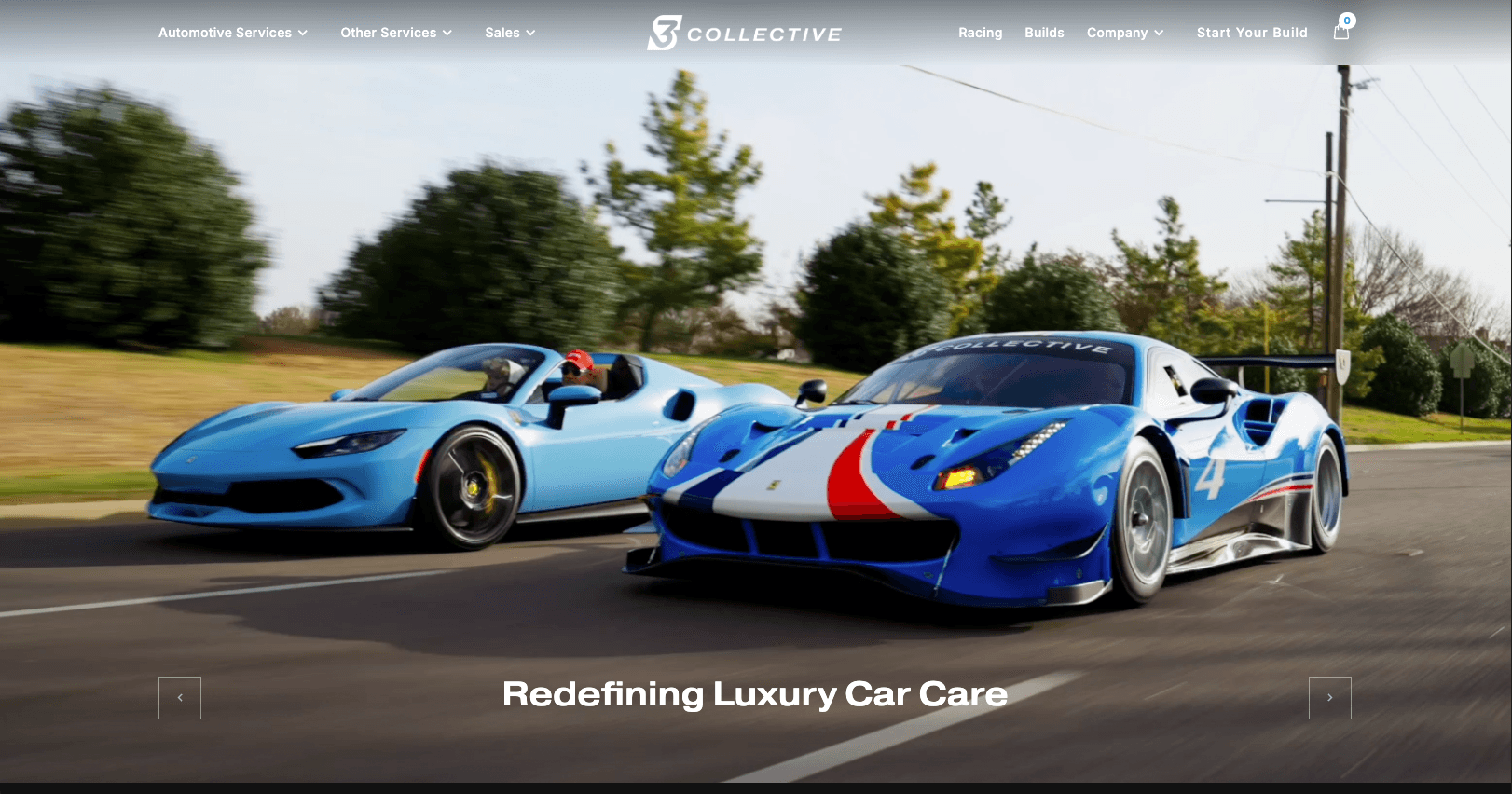
Design-led content sites. S Collective's 30-page premium automotive experience needed custom components, CMS flexibility, and design consistency across every template. Webflow handled it natively.
Small-to-medium e-commerce with strong brand requirements. Shopify is better for transaction complexity. Webflow beats Shopify for anything where brand + design quality matters more than checkout optimization.
Client-editable sites. When the handoff matters, Webflow wins. Clients actually edit their Webflow sites. Most WordPress sites sit untouched for years because editing feels intimidating.
Fast-shipping marketing sites. With AI-assisted Webflow builds, we ship marketing sites in 5–10 days that would take 3–4 weeks in traditional WordPress theming. Our AI Websites service can turn around one-page builds in as little as 48 hours.
The performance comparison
In raw Core Web Vitals measurements, Webflow consistently outperforms WordPress out of the box:
- Largest Contentful Paint: Webflow typically 1.2–2.0s, WordPress (default theme) 2.5–4.0s
- Cumulative Layout Shift: Both good if built correctly; WordPress needs careful plugin management
- Total Blocking Time: Webflow wins by a wide margin in most head-to-head builds
Performance matters for SEO (Google uses Core Web Vitals as a ranking factor) and for conversion (each 100ms of page load improves conversion rate). Webflow gives you the performance baseline without requiring you to become a performance optimization expert.
The cost comparison
Webflow all-in:
- Hosting: $15–$50/month
- CMS: included in hosting plans
- Development: $6,500–$18,000+ for a custom Webflow build
- Maintenance: lower (no plugin updates, no security patches)
WordPress all-in:
- Hosting: $10–$50/month (managed WP hosting adds up)
- Theme: $0 (default) to $300 (premium theme)
- Plugins: $0 to $2,000/year for premium plugins (Elementor Pro, WPML, Gravity Forms)
- Development: $3,000–$15,000+ for a custom WordPress build
- Maintenance: higher (plugin updates, security patches, backup management) — budget $100–$300/month
Over 3 years, a Webflow site and a WordPress site cost similar amounts. The difference is where the money goes: Webflow charges higher hosting + lower maintenance; WordPress charges lower hosting + higher maintenance.
Migration from WordPress to Webflow: when it's worth it
We migrate clients from WordPress to Webflow regularly. When it's worth it:
Good reasons to migrate:
- Your WordPress site is slow and Core Web Vitals keep dragging your SEO
- Your theme is outdated and rebuilding in WordPress would cost the same as moving
- You're spending $300+/month on plugin subscriptions for functionality Webflow has built in
- Your team can't edit the site themselves anymore because it's too fragile
- You're launching a rebrand and a platform change is part of the strategy
Bad reasons to migrate:
- Your WordPress site is working fine and you just heard about Webflow
- You have 3,000+ blog posts with strong SEO rankings (migration is expensive and risky)
- You have complex plugin integrations that don't have Webflow equivalents
- Your team is deeply expert in WordPress and retraining them costs more than the benefit
If you're considering migration, start with a free audit. We do them — one-hour review of your current site, honest take on whether migration is worth the effort.
What about Framer?
Framer is the other contender. For 2026, here's where it lands:
- Better for: single-page sites, landing pages, designer-led marketing pages, anything where the design is the primary selling point
- Worse for: CMS-heavy sites, large content operations, complex e-commerce
- Pricing: similar to Webflow
Framer is genuinely excellent for what it's good at. It's not a general WordPress replacement. Webflow still wins for the broader use case of "full marketing website with CMS."
Our default recommendation in 2026
When a client asks us what to build their site on, our default stack is:
- Simple to mid-complexity marketing sites: Webflow (or AI-accelerated Webflow via our AI Websites service)
- Premium brand sites with custom interactions: Webflow with advanced custom code (our Custom Websites service)
- High-volume editorial / content operations: WordPress (yes, still)
- E-commerce stores: Shopify default, Webflow E-commerce for brand-focused stores
- Custom apps and platforms: Next.js on Vercel (not a CMS — a real application)
The decision tree is clearer than most articles make it out to be. For 80% of businesses building a new site in 2026, Webflow is the right answer. For the other 20%, WordPress or Shopify or Next.js are better fits.
Need help picking? Book a free consultation and we'll walk through your specific use case and give you a real quote on what a Webflow build actually costs.